

Download Center
What this report shows
Section titled “What this report shows”The Download Center is the central location for all CSV export files generated from Integr8 reports. After you initiate an export from any report, the file is processed and delivered here when ready.
How to access it
Section titled “How to access it”Navigate to Reports > Download Center.
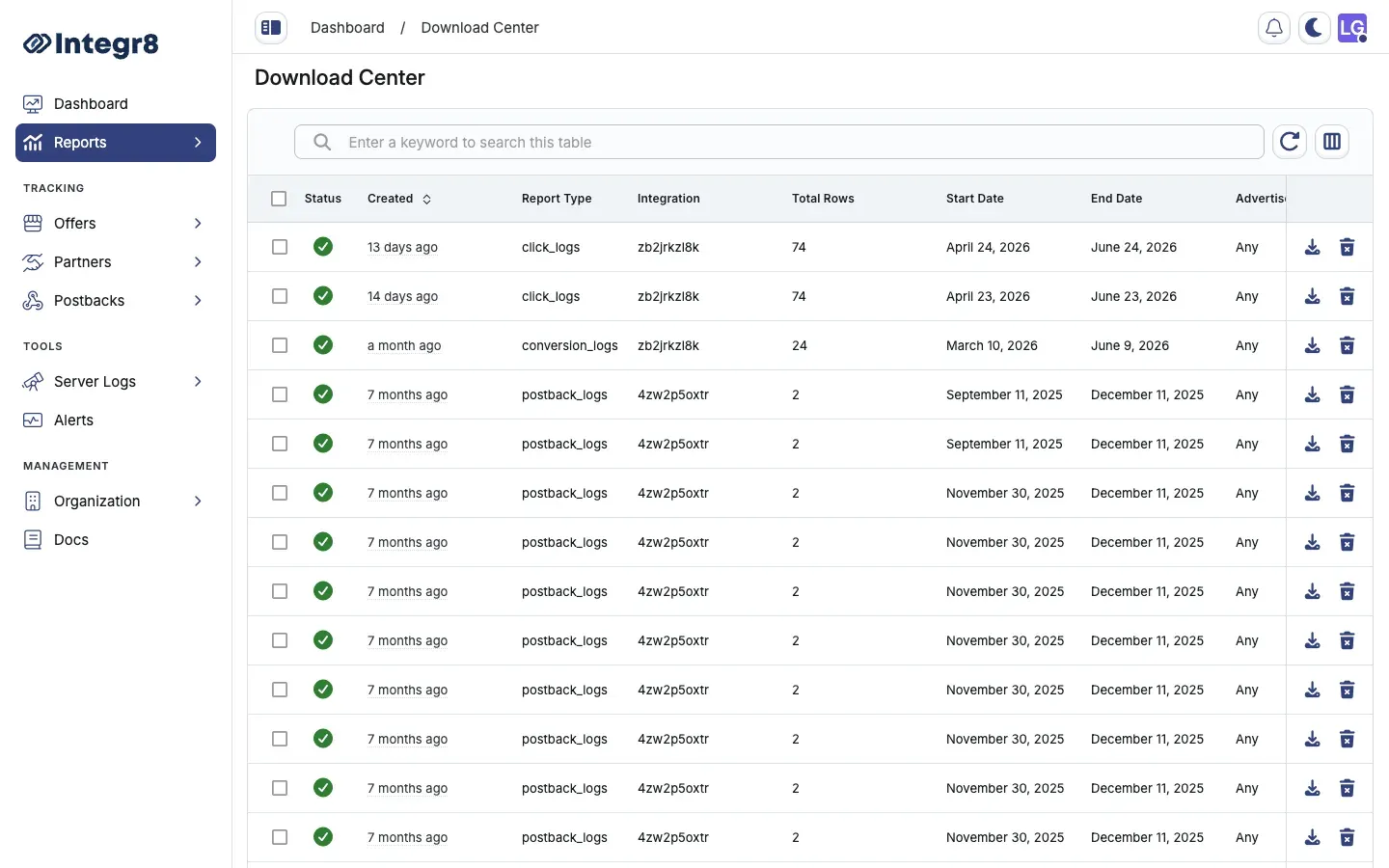
The Download Center lists all your export requests with status, file name, and creation date.
Download a file
Section titled “Download a file”-
Navigate to Reports > Download Center.
-
Locate your export in the list. The Status column shows the current state.
-
When the status is Completed, click the download link to save the CSV file.
Export statuses
Section titled “Export statuses”| Status | Description |
|---|---|
| Queued | Export request received, waiting to be processed |
| Processing | Export is being generated |
| Completed | File is ready for download |
| Failed | Export failed — retry by re-generating the export from the source report |
| Canceled | Export was canceled before completion |
Limits and retention
Section titled “Limits and retention”| Limit | Value |
|---|---|
| Maximum rows per export | 5,000,000 |
| Maximum export requests per day | 10 |
| File retention period | 90 days |
Files are automatically deleted after 90 days. Download and save any exports you need to retain beyond this window.
If an export shows Failed, return to the source report, adjust your filters or date range to reduce the result set, and re-export. Very large date ranges with high-cardinality filters are the most common cause of export failures.
Related reports
Section titled “Related reports”- Export Reports — how to generate an export from any report type
- Overview Reports — most common source for bulk exports